There is currently not a way to do this via the UI. However, there are some steps to go through the SP side to modify this data. It is easiest to do this in Grid View in the SP site contents.
This will be our example page "AkuminaTesting", and we are going to rename it to "AkuminaTest":


This will be our example page "AkuminaTesting", and we are going to rename it to "AkuminaTest":
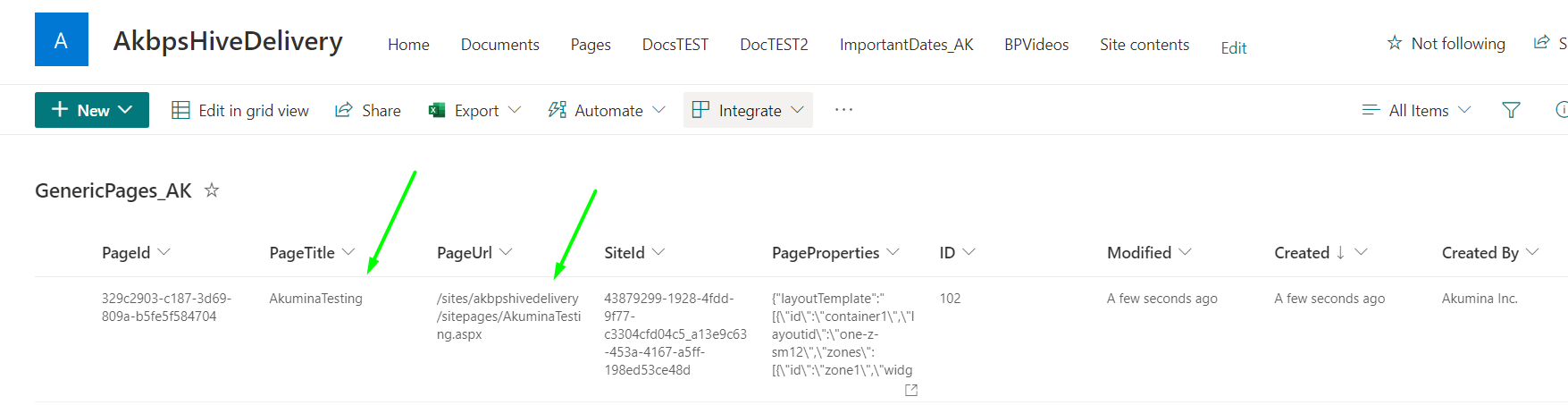
First, go to GenericPages_AK
- From here modify the PageTitle and PageUrl columns with the new value.
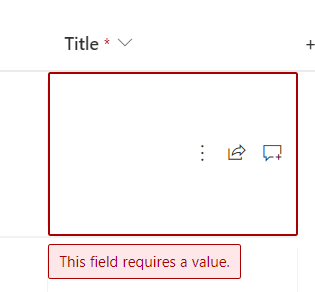
- You may be prompted to enter a value in the Title column as well (it's blank by default) - just name it the same way as the current page.


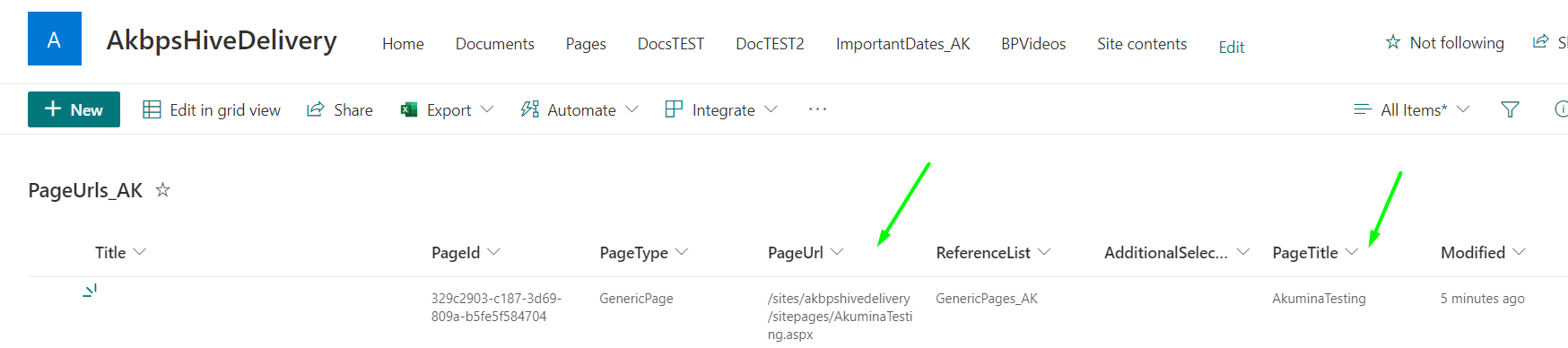
Second, go to PageUrls_AK- Modify the PageTitle and PageUrl columns with the new value.
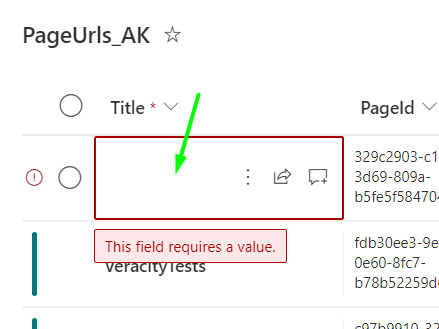
- You may be prompted to enter a value in the Title column as well (it's blank by default) - just name it the same way as the current page.
Now, go to the PageManager in the AppManager Management Apps - and clear page cache (tip you can search for the specific page and only re-cache that, rather than doing it for all pages).(Note: At this point the PageManager will reflect the updated value - without caching. However, the front end will still have the old value and will throw a 404 if you do not finish the remaining steps.
In AppManager, change the URL to "/admin/debug" and clear the domain cache.
Front end, clear cache via Debug Panel and refresh page - the new URL should show in the Pages module, and if you click on it, the navigation should take you to the new page with no errors.